
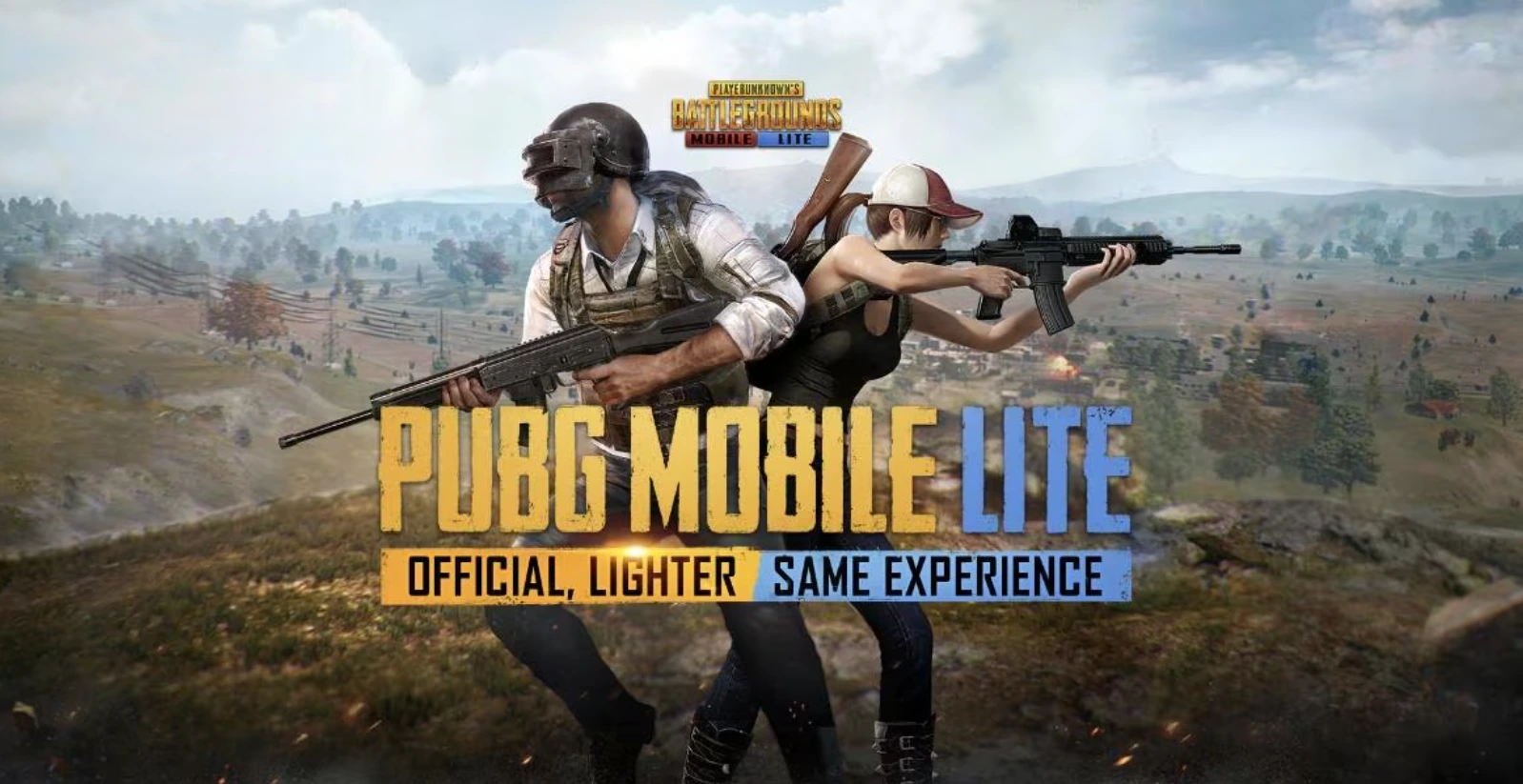
PUBG Mobile Lite continues to enchant gamers who enjoy intense battle royale experiences on more accessible hardware. This lightweight version of the beloved PUBG Mobile game is crafted specifically for players using low-end devices, allowing for smooth gameplay without sacrificing the adrenaline-pumping action fans love. This article offers a step-by-step guide on downloading and installing the latest version of PUBG Mobile Lite, ensuring gamers can dive into the battlefield promptly.
PUBG Mobile Lite Update Download Steps
Step 1: Download the APK
Begin your adventure by downloading the latest APK file. The PUBG Mobile Lite 0.27.0 APK can be found on trusted sources, including the official PUBG Mobile Lite website or reputable platforms like Uptodown.com. This version is optimized for Android devices, ensuring a responsive experience even on smartphones with limited resources.
Step 2: Enable Installation from Unknown Sources
Before you can install the APK, it’s crucial to give your device permission to do so. Head over to your device settings, then navigate to Security (or Privacy) → and enable “Unknown Sources” or “Install unknown apps” for the web browser or file manager you’re using. This step is essential for installing APK files from outside the Google Play Store.
Step 3: Install the APK
Once you’ve downloaded the PUBG Mobile Lite 0.27.0 APK, head to your file manager and locate the downloaded file. Tap on it to initiate the installation process and follow the prompts on your screen. The installation is typically straightforward, taking only a few moments.
Step 4: Download Additional Game Data
After installation, launch PUBG Mobile Lite. The game will automatically prompt you to download the necessary data files for a complete gaming experience. This step is critical for ensuring all game features are available and functional.
Step 5: Use VPN if Necessary
In some regions, such as India, players may encounter restrictions preventing access to the game. If you face such difficulties, using a VPN set to a supported country (for example, Singapore) can help you download and play PUBG Mobile Lite smoothly.
Step 6: Log In or Create an Account
The final step involves either logging into your existing PUBG account or creating a new one if you’re a first-time player. This process will allow you to save your game progress and connect with friends.
How to Update PUBG Mobile Lite to the Latest Version
When a new version of PUBG Mobile Lite is available, updating is quick and easy. Simply repeat the initial download process: get the newest APK from official sources and install it over the existing version on your device. Always prioritize downloading from trusted sites to maintain your device’s security.
This guide ensures that players have easy, safe access to PUBG Mobile Lite 0.27.0, allowing for smooth and optimized gameplay even on lower-spec devices. Enjoy the thrill and strategy of battle royale right at your fingertips!