
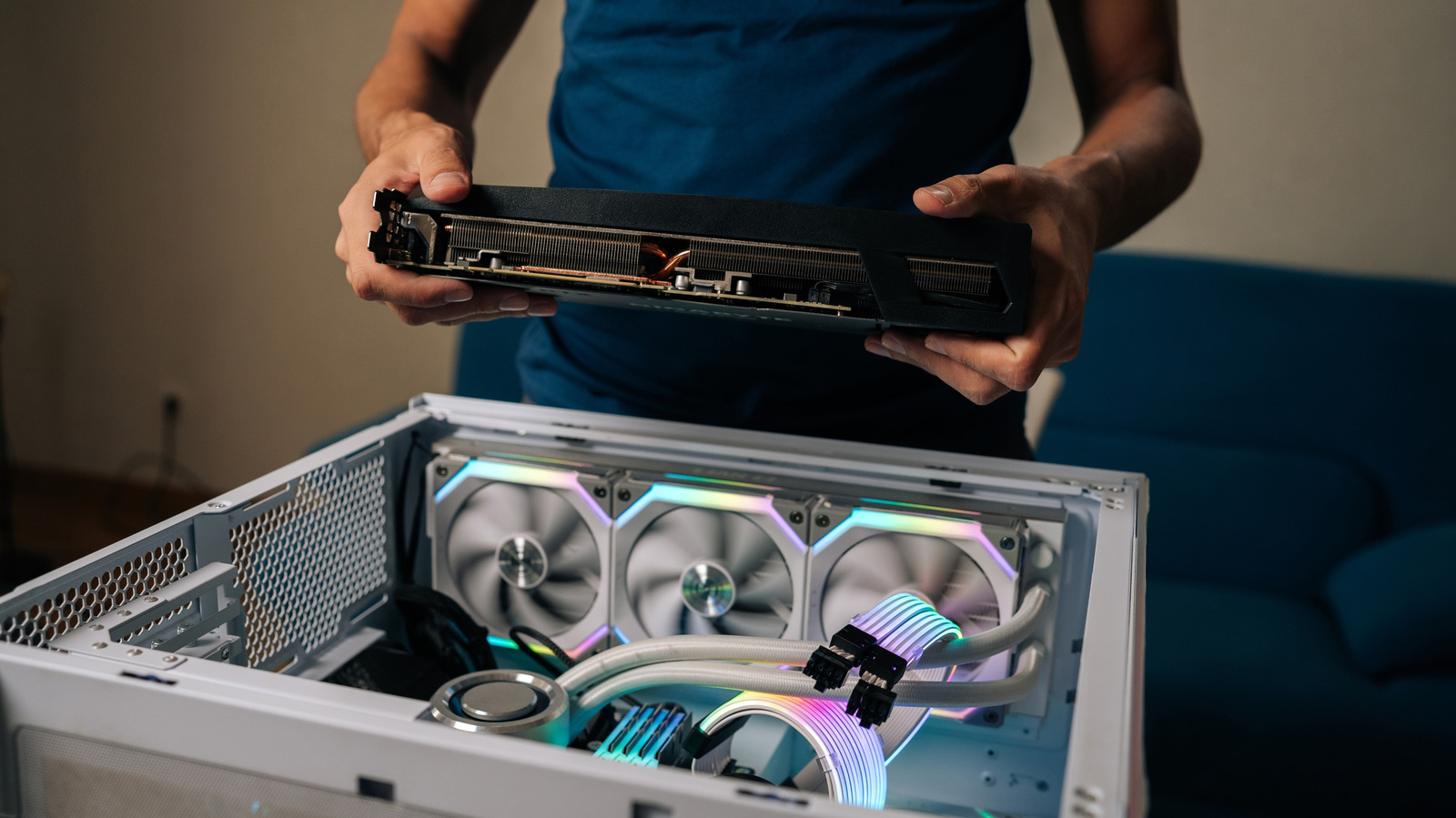
Building a PC can feel like an exhilarating journey, especially for those transitioning from console gaming to the vast world of personal computing. Whether you’re a novice or just delving into PC gaming for the first time, understanding the nuances of assembling your machine can make a significant difference. Here’s a handy guide filled with essential tips to help you navigate your first PC build successfully.
Don’t Skimp on the Power Supply
Choosing the right power supply unit (PSU) is critical. It’s not just about picking a well-reviewed product; it’s about ensuring it meets your needs. Start by determining the wattage required for your components. Tools like Newegg’s Power Supply Calculator can help you estimate the total wattage needed based on your selected parts. For a setup with a high-end CPU, GPU, and motherboard, aim for a power supply rated at least 10-20% higher than your estimated needs.
Furthermore, keep an eye on the PSU’s efficiency rating. An 80+ Gold rating, for instance, guarantees at least 87% efficiency, leading to less wasted energy and heat. Always choose a new PSU; purchasing used can lead to hidden faults that might damage your components.
Understand and Avoid Compatibility Issues
Before buying components, ensure they are compatible. For instance, if you purchase a DDR5 RAM kit, but connect it to an older motherboard that only supports DDR4, you’ll run into installation issues. Furthermore, AMD and Intel use different socket types, so verify compatibility there too.
Utilizing tools like PCPartPicker can ease the process. This website allows you to plan your build and warns you of any compatibility issues, ensuring everything fits seamlessly.
You Don’t Need an Expensive Motherboard
Many believe that spending more on a motherboard guarantees better performance; however, that’s often not the case for the average user. While premium motherboards may offer features like extra ports or advanced cooling options, they don’t always lead to significant performance boosts in standard setups.
Most users would find a mid-range B-series motherboard suitable, which provides all the necessary features for a great gaming experience without breaking the bank.
Install Fans Correctly for Maximum Airflow
Maintaining optimal temperatures is crucial for performance. The general rule is to establish front-to-back and bottom-to-top airflow in your case. Always check the airflow direction before installation—most fans have arrows on their sides indicating the direction.
Remember, excessive exhaust fans can create negative pressure, pulling in dust from outside. Aim for more intake fans than exhaust to maintain positive pressure.
Choose the Right Case
Selecting the right case blends form with function. Prioritize airflow and compatibility over aesthetics. Full-tower cases are generally easier to work with than compact mini-ITX cases. Look for factors like mesh front panels for improved airflow.
Consider how you’ll manage cables inside the case—a hot topic among builders, as clutter can obstruct airflow. Researching case reviews can help you visualize how your build will function.
Go Through the Motherboard Manual
Once you have your components, don’t overlook the motherboard manual. It contains crucial information about connector locations that vary by model, which can save you time and frustration during installation. For instance, it might recommend specific RAM slots for optimal performance, or show which M.2 slot delivers the best speeds.
If the manual’s physical copy is cumbersome, check online for a high-resolution PDF version, which might be easier to navigate.
Build on Top of the Motherboard Box
A practice adopted by many experienced builders is to assemble components on the motherboard box itself. This non-conductive surface allows you to troubleshoot any issues without the confines of a case. Establish connections, install components, and perform a quick Power-On Self-Test (POST) to check whether everything functions before moving the build into the case.
Apply Thermal Paste Correctly
Applying thermal paste correctly is vital for your CPU’s health. A pea-sized amount in the center is generally sufficient, as pressing the cooler down will spread it evenly. For rectangular CPUs, consider an “X” pattern if necessary, but avoid over-applying paste, which can lead to inefficiencies.
Make Sure Anything You Install is Secure
Always double-check all connections during assembly. Many components won’t function unless secured properly. For instance, seating RAM correctly often involves a firm click, and the same goes for power cables to your motherboard. Also, don’t forget the all-important I/O shield, as neglecting it can lead to unnecessary disassembly later.
Update BIOS and Drivers After Windows Installation
The assembly process doesn’t end with Windows installation. To ensure peak performance, updating your BIOS and drivers is crucial. Visit your motherboard’s manufacturer website for the latest updates. Additionally, download updated GPU drivers from the respective manufacturer’s site for optimal performance and stability.
By following these tips and tricks, your venture into PC building can become a rewarding experience, opening up countless possibilities for gaming and productivity. Enjoy building your dream machine!