
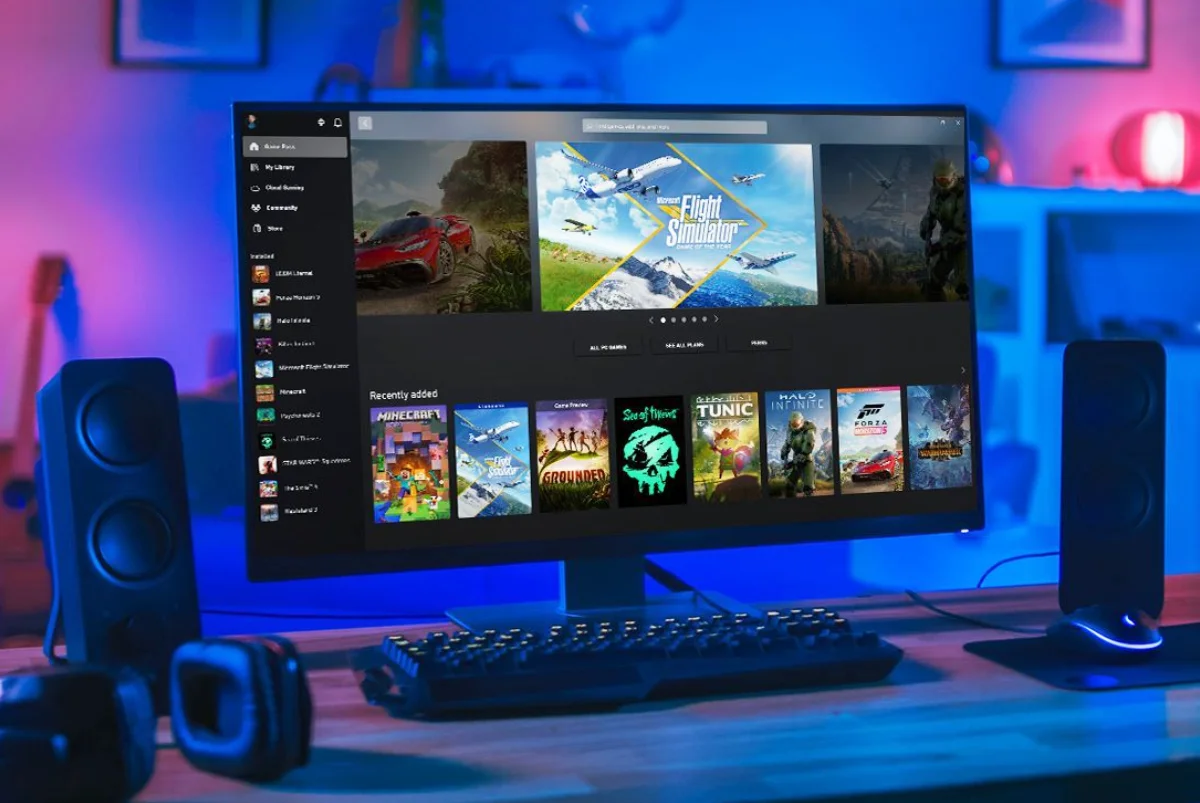
Microsoft Enhances Xbox PC App with Manual Game Addition Feature
Microsoft has made a noteworthy update to its Xbox PC app, introducing a feature that allows users to manually add games and apps to their library. This new capability expands the versatility of the app, enabling gamers to consolidate all their favorite titles—including those from Steam, Epic Games Store, GOG, emulators, and even non-gaming software—into a single, unified interface.
How to Add Games and Apps
To utilize this new feature, simply open the Xbox PC app and navigate to the “My Library” section. In the top right corner, you’ll spot a “+” icon. Clicking on it gives you the option to choose from suggested apps or browse your computer for the file you wish to add. Once you’ve imported your select application or game, it will seamlessly appear in your library, ready to be launched directly from the Xbox app.
Customization Options
What’s exciting about this update isn’t just the ability to add a variety of titles, but also the customization options that come with it. Users can edit details like the name, launch path, and even command line arguments for each application. Additionally, there’s the option to upload artwork, giving your library a personalized touch. This flexibility is especially beneficial for those who are using handheld gaming devices like the ASUS ROG Ally, where switching between different launchers can be cumbersome.
Xbox PC App vs. Steam’s Launching System
While Steam has long offered a similar shortcut feature for managing games, Microsoft’s update aims to position the Xbox PC app as a more universal launcher. Despite its limitations—primarily relying on executable files—this update is a significant leap for gamers who prefer having all their titles accessible in one location. The Xbox ecosystem is thus moving closer to a more holistic experience, especially for those with large game libraries spread across various platforms.
Practicality for Gamers
By opening up the app to third-party titles and software, Microsoft is enhancing the practicality and user-friendliness of the Xbox ecosystem. Gamers who have had to juggle multiple platforms to find their games will find this feature invaluable, as it simplifies daily use. The unified interface can contribute to a more enjoyable gaming experience, mitigating the hassle of having to switch between different launchers or search for games scattered across various libraries.
The Bigger Picture
This update not only underscores Microsoft’s commitment to improving the user experience but also highlights an ongoing trend in gaming—where convenience and accessibility are paramount. As gamers increasingly look for simplified solutions in an ever-expanding digital world, features like these become essential to keeping players engaged and satisfied.
By offering a more streamlined approach to game management, Microsoft is taking meaningful steps in making its Xbox PC app not just a platform for its own titles, but a central hub for gaming overall. This enhances not only the utility of the Xbox app but also empowers gamers by simplifying their interactions with their diverse gaming libraries.
With these advancements, Microsoft continues to solidify its position in the gaming landscape, catering not just to Xbox console users but also to the growing community of PC gamers who seek a seamless and intuitive gaming experience.